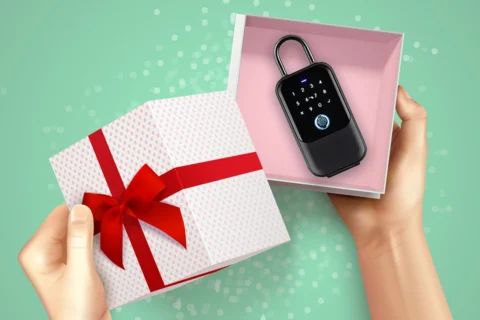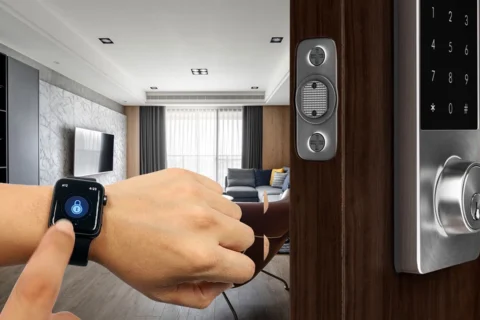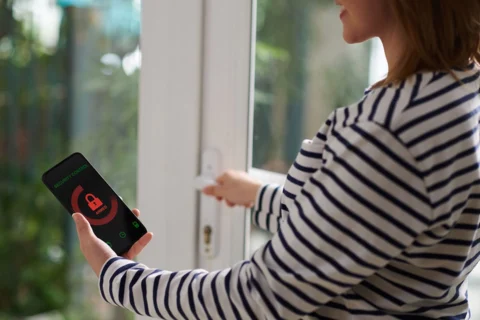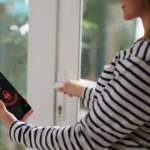
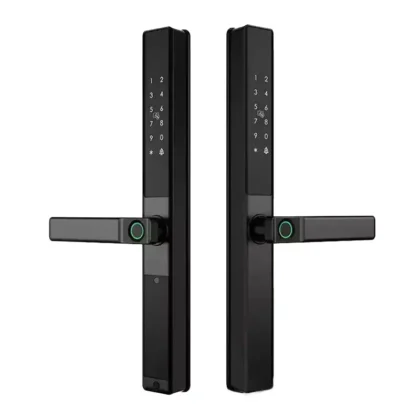
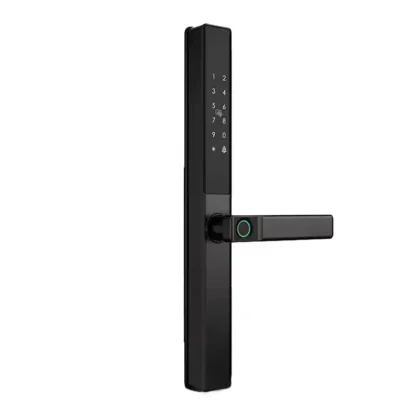
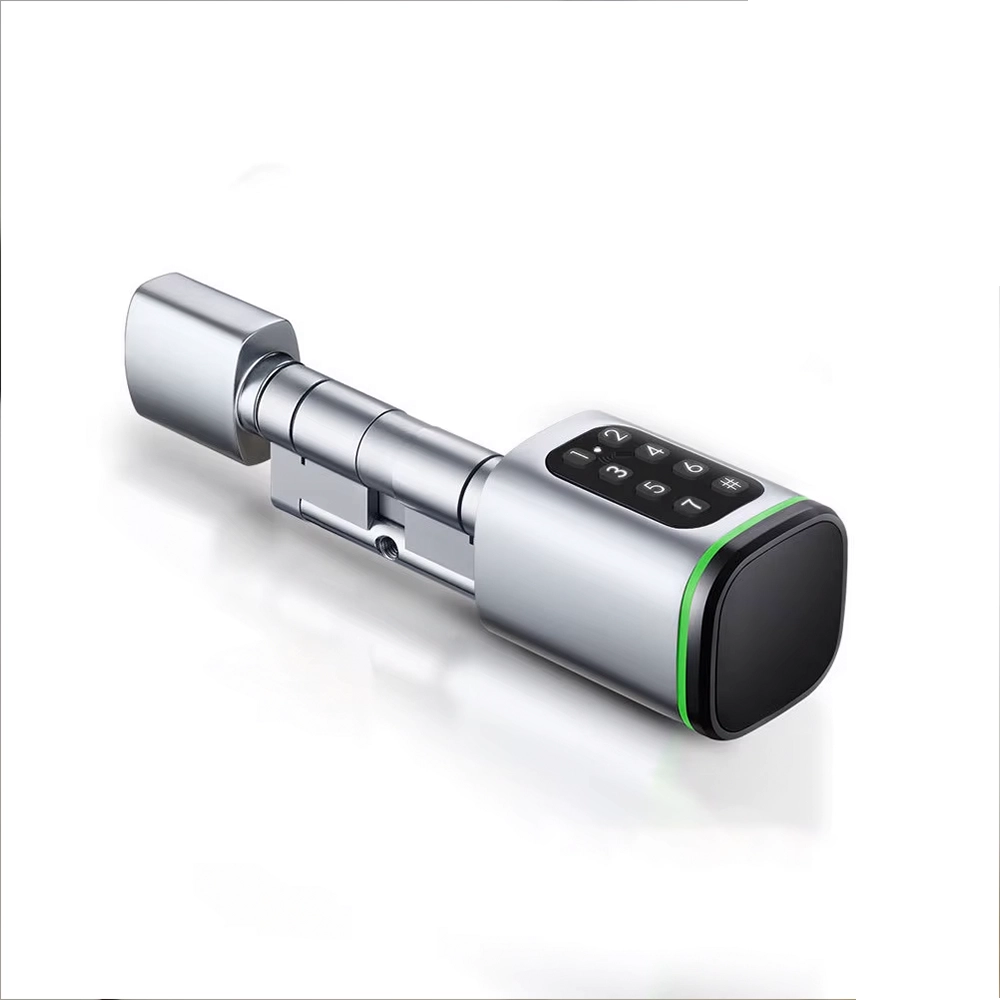
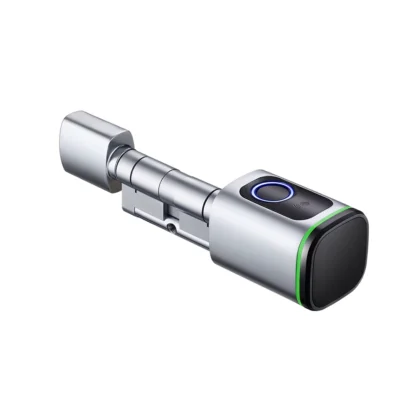
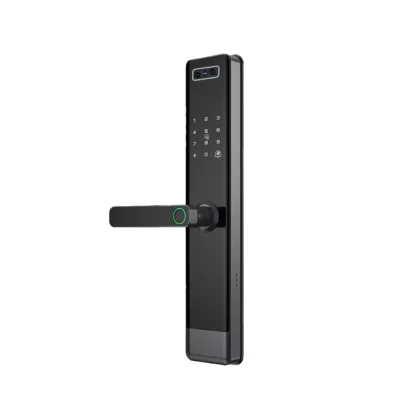
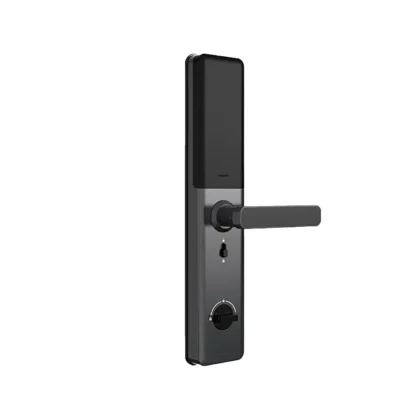
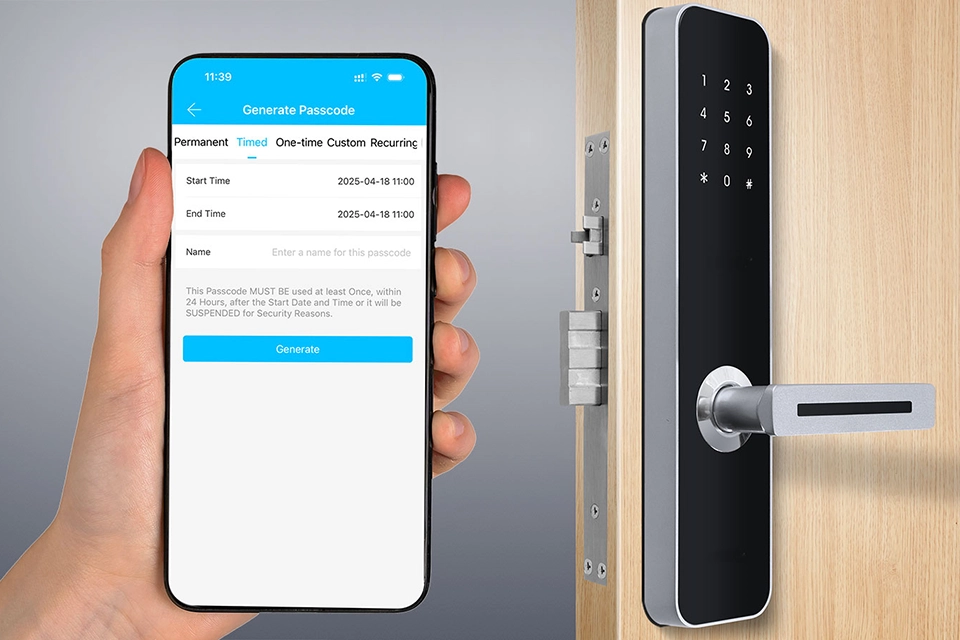
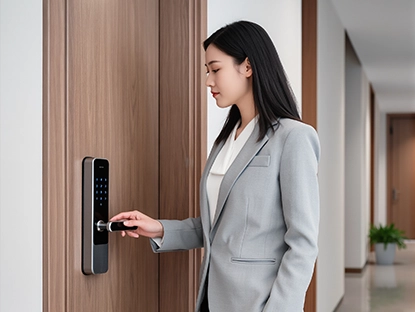
The Sciener Passcode Smart Lock is a sleek, modern security solution designed to turn your traditional door into a secure, fully keyless entry system. Built with a digital keypad and no mechanical keyholes, Sciener offers a clean, secure alternative to conventional locks—ideal for Malaysian homes, condos, offices, and rental units looking for smarter living without physical keys.
Go Keyless, Stay in Control
Sciener removes the need for mechanical keys altogether, supporting a truly keyless lifestyle. Whether you’re a homeowner, landlord, Airbnb host, or office manager, this smart lock gives you greater control, better access management, and far less hassle.
It supports up to 200 unique access codes, including administrator codes and 199 individual user codes, allowing multiple users to enter securely without sharing passwords.
Full Administrative Control
Administrators enjoy full access and control. They can add new users, delete existing ones, and reset the lock to factory settings when necessary.
Regular users, on the other hand, can only lock and unlock the door using their assigned passcode—keeping security structured and organised.
Safe Ownership Transfer
When the lock changes hands—such as when moving into a new home or handing over a rental unit—the new owner will need the current administrator password to fully reset the system.
Once verified, restoring the lock to factory settings is straightforward:
- Press ### three times to access the menu
- Enter the admin password and press #
- Press 4, then re-enter the admin password and press #
- A green light will flash three times to confirm reset
- Set a new administrator password
This ensures only authorised users can take control of the lock.
Initial Setup After Reset
To program your first administrator password:
- Press ###
- Enter the default factory password 0123456 and press #
- Enter your new 6-digit admin password and press #
- Re-enter the password to confirm
- A green light will flash three times to signal success
Once done, you can:
- Add a second administrator password
- Create up to 198 user passcodes
Adding users or admins is easily done through the menu using your admin password.
What If You Forget the Admin Code?
If both administrator passwords are lost, the lock cannot be reset without them. This is a built-in security measure—similar to losing the master key of a traditional lock.
To avoid lockout:
- Securely store both admin passwords
- Use user passwords for daily access
- Keep admin access only for management and changes
Without admin access, the lock will still function, but no settings can be modified.
Power & Door Compatibility
Battery Life
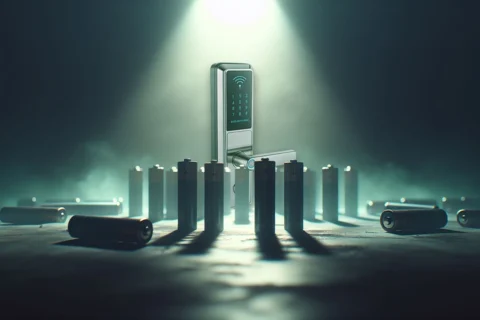
The Sciener smart lock runs on batteries and typically lasts 3 to 6 months, depending on usage. When power runs low, a red indicator light and buzzer will alert you.
Even if the batteries fully drain, all passwords remain saved—simply replace the batteries and continue using the lock as usual.
Door Compatibility
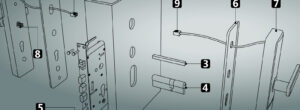
Designed for Euro-profile mortise doors, the lock supports door thicknesses between 65mm and 95mm, making it suitable for most Malaysian residential and commercial doors.
It also supports left- and right-handed doors, so installation orientation is not an issue.
Built-In Security Features
With a tamper-resistant body, anti-break design, and no keyholes to pick or force, the Sciener Passcode Smart Lock offers stronger protection than standard mechanical locks—ideal for modern Malaysian security needs.
Final Thoughts
The Sciener Passcode Smart Lock isn’t just a lock—it’s an upgrade to how you manage access and protect your space. With intuitive controls, strong user management, and compatibility with common Malaysian doors, it’s a smart and reliable choice for both homes and businesses.
Have questions or need advice? Reach out anytime—we’re always happy to help 🔐🇲🇾

What If You Forget the Admin Code?
If both administrator passwords are lost, the lock cannot be reset without them. This is a built-in security measure—similar to losing the master key of a traditional lock.
To avoid lockout:
- Securely store both admin passwords
- Use user passwords for daily access
- Keep admin access only for management and changes
Without admin access, the lock will still function, but no settings can be modified.
Power & Door Compatibility
Battery Life
The Sciener smart lock runs on batteries and typically lasts 3 to 6 months, depending on usage. When power runs low, a red indicator light and buzzer will alert you.
Even if the batteries fully drain, all passwords remain saved—simply replace the batteries and continue using the lock as usual.
Door Compatibility
Designed for Euro-profile mortise doors, the lock supports door thicknesses between 65mm and 95mm, making it suitable for most Malaysian residential and commercial doors.
It also supports left- and right-handed doors, so installation orientation is not an issue.
Built-In Security Features
With a tamper-resistant body, anti-break design, and no keyholes to pick or force, the Sciener Passcode Smart Lock offers stronger protection than standard mechanical locks—ideal for modern Malaysian security needs.
Final Thoughts
The Sciener Passcode Smart Lock isn’t just a lock—it’s an upgrade to how you manage access and protect your space. With intuitive controls, strong user management, and compatibility with common Malaysian doors, it’s a smart and reliable choice for both homes and businesses.
Have questions or need advice? Reach out anytime—we’re always happy to help 🔐🇲🇾